APAAR ID DOWNLOAD
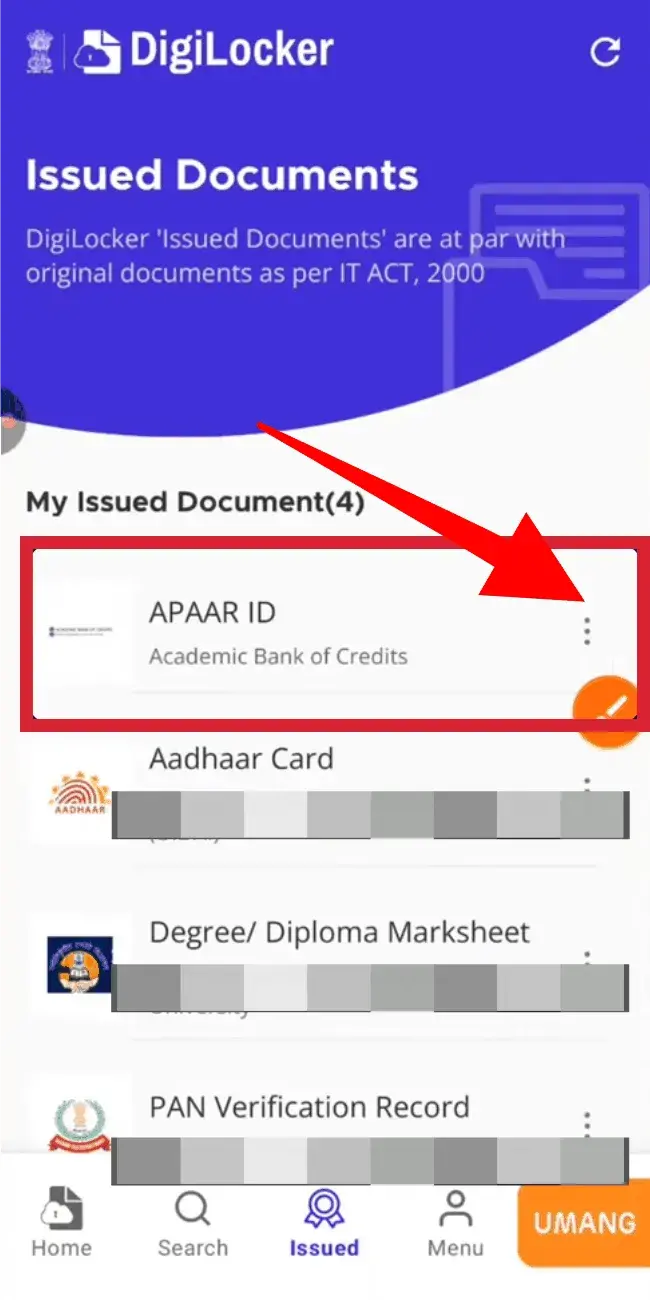
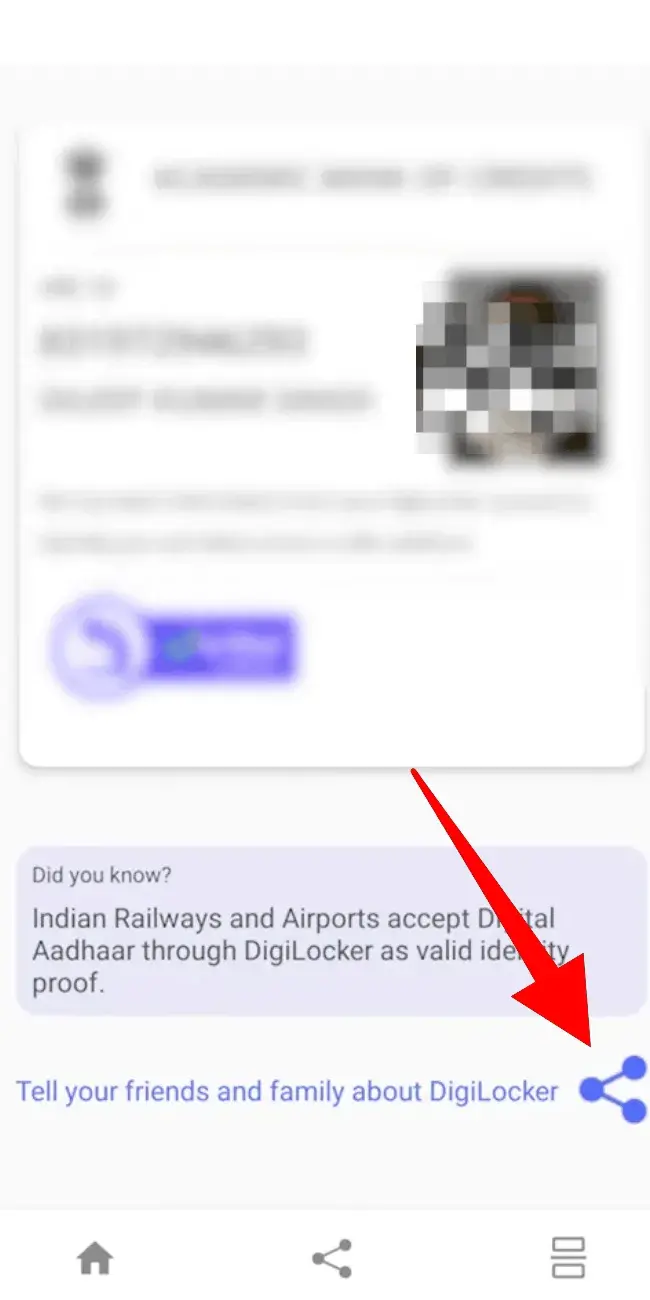
Once you have successfully created your APAAR ID, the next most important step is to download it so that you can keep it for future use.
In this guide, we will explain how you can easily download your ID by following some simple and easy steps.
How to Download APAAR ID?


Common Issues While Downloading Your APAAR ID and How to Fix Them
- ID not showing?
Ensure your school has submitted your details to the official portal. - Login issues?
Check that your Aadhaar or registered mobile number is correct and verified. - File not downloading?
Update your browser or DigiLocker app, or try accessing the download from a different device. - Mismatch in details?
Contact your school to correct any differences in your personal or academic information.
Why Downloading APAAR ID Is Important?
Quick Academic Verification
Downloading your APAAR ID gives you quick access to an official, verifiable academic identity which means no need to depend on your school or college every time you apply somewhere.
Offline Access Anytime
Once downloaded, your APAAR ID can be stored safely on your device or DigiLocker, so you can access it even without an internet connection.
Ease in Admissions & Jobs
You can instantly share your verified credentials with universities, employers, or scholarship platforms without delays.
Secure Backup of Your Records
It ensures you have a personal backup of your verified academic details, which is protected from data loss or portal errors.
FAQs